A useful gift for a YouTuber can make filming smoother, audio clearer, or a creative workspace more personal. The right choice depends on how they make videos and what gear they already use.
These ideas range from small workflow helpers to equipment for phone-based or desk-based recording. Check compatibility with the recipient’s devices and existing setup before choosing.
10 Gift Ideas for YouTubers
FIFINE T669 USB Microphone Kit

- USB connection supports plug-and-play setup with a PC or laptop.
- The kit includes a boom arm stand and shock mount.
- A double pop filter is included to help minimize popping sounds.
Best Gift For: A creator recording voiceovers, podcasts, or vocals at a computer.

MAONO Wave T1 Mini Lavalier Microphone
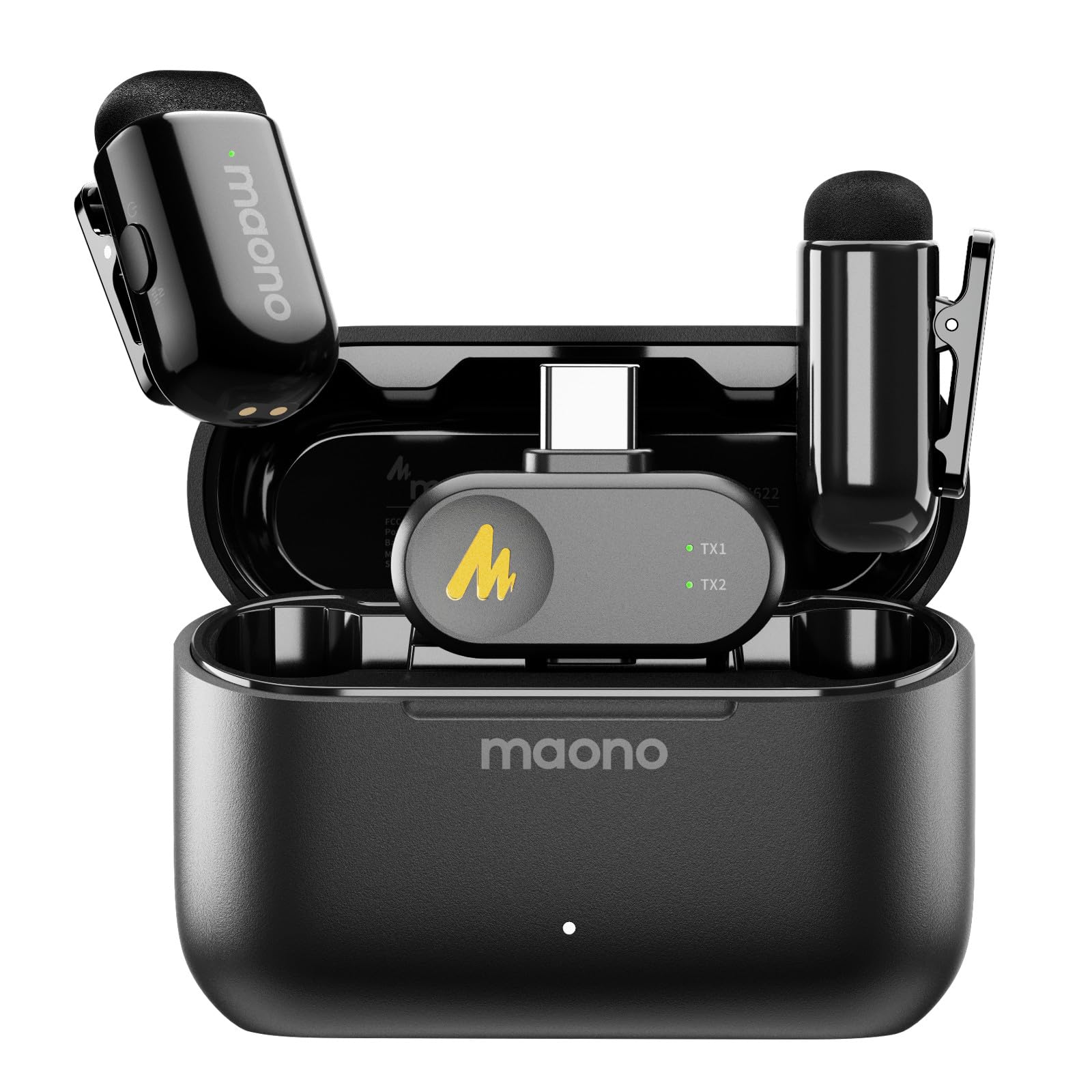
- The lavalier microphone has an Apple-certified USB-C receiver.
- The compact charging case supports up to 30 hours of use.
- Noise reduction can be switched on or off with one click.
Best Gift For: A mobile creator recording vlogs, interviews, or videos with a compatible phone.
USKEYVISION Auto Face Tracking Tripod with Light
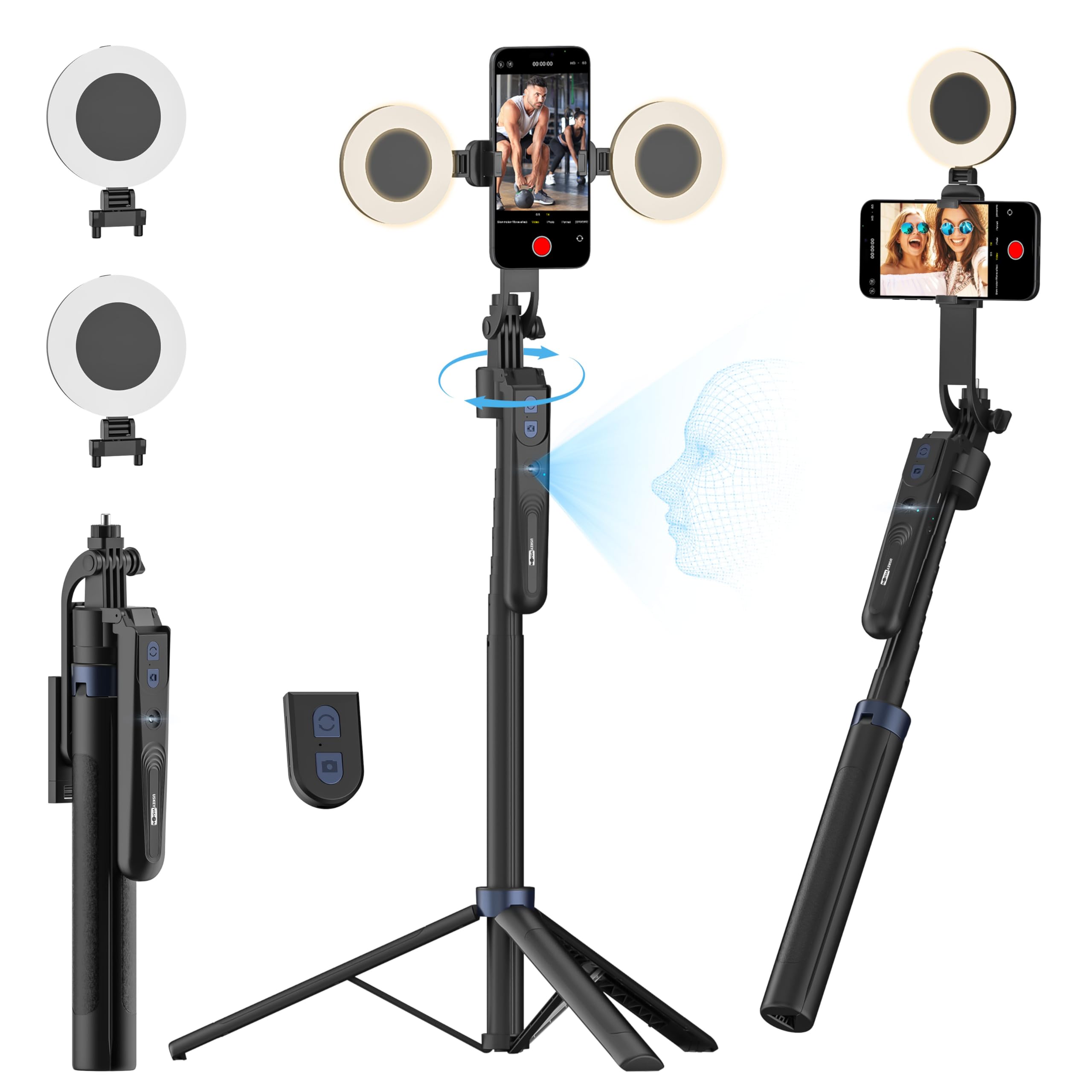
- AI face tracking follows movement with 360° rotation.
- The detachable ring lights offer three brightness levels and three color temperatures.
- A rechargeable remote control works within 32.8 feet (10 meters).
Best Gift For: A phone creator who films while moving around the frame.
Joydeco 10x10ft Black Backdrop Curtain
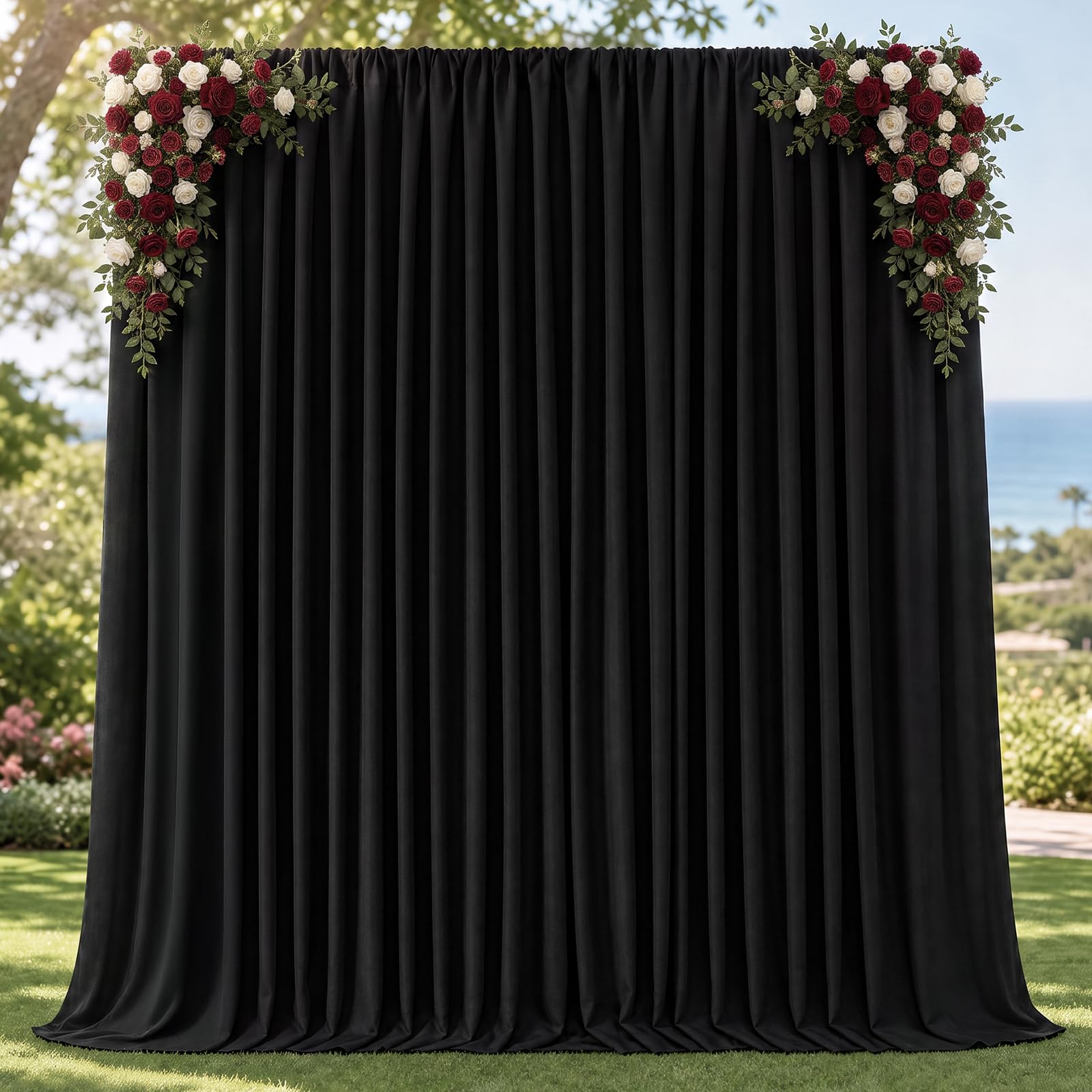
- Two panels combine to make a 10 ft × 10 ft backdrop.
- The polyester fabric is wrinkle resistant and washable.
- A rod pocket provides a hanging option; a stand is not included.
Best Gift For: A creator setting up a simple background for portraits, videos, or a home studio.
TYPONOS PM290 Mini Sticker Printer
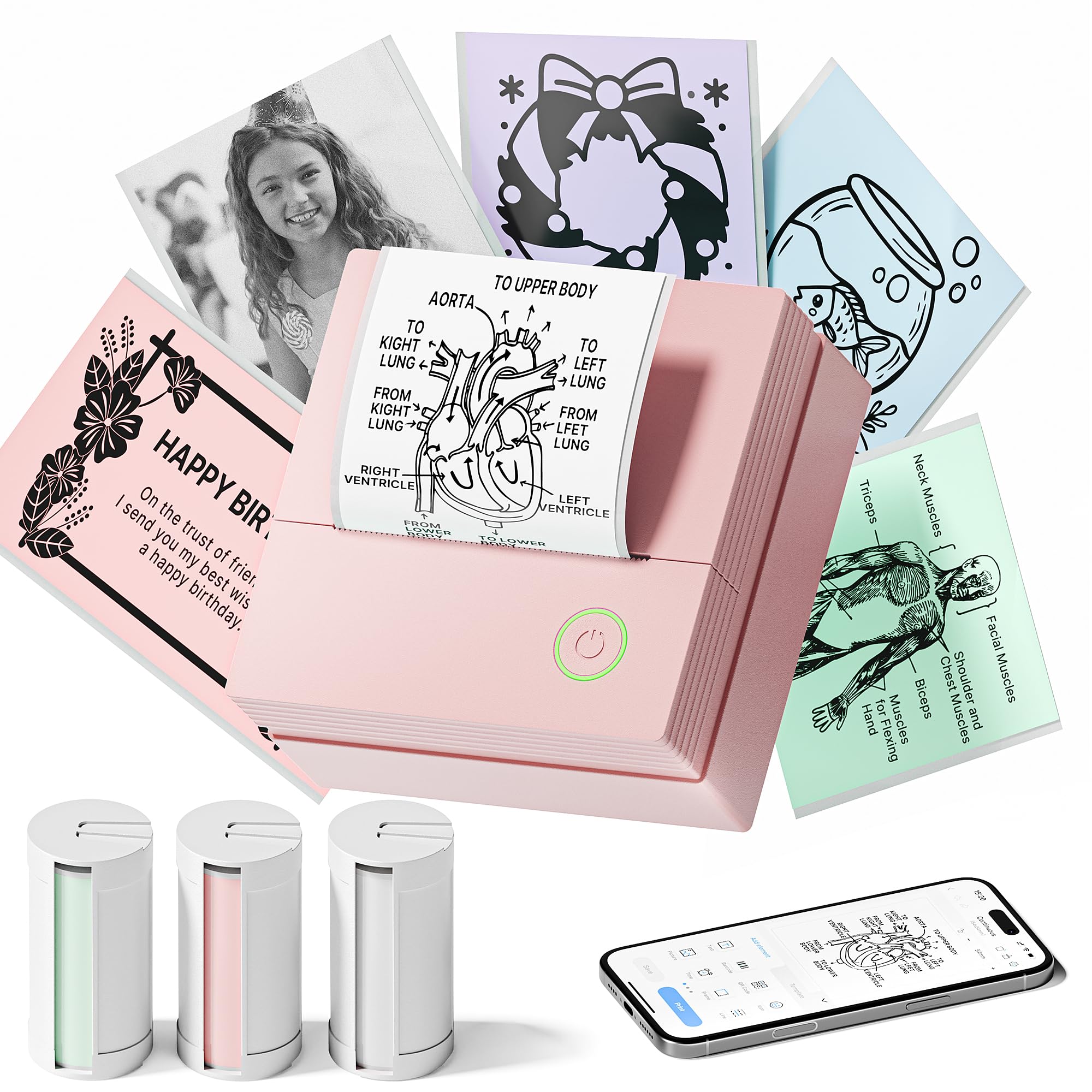
- The printer connects to iOS or Android devices through the Labelnize app.
- Three rolls of adhesive paper are included.
- Prints in black and white only; a charging adapter is not included.
Best Gift For: A creator who likes organizing a workspace, project notes, or small business labels.
LISEN Ultra Slim MagSafe Power Bank
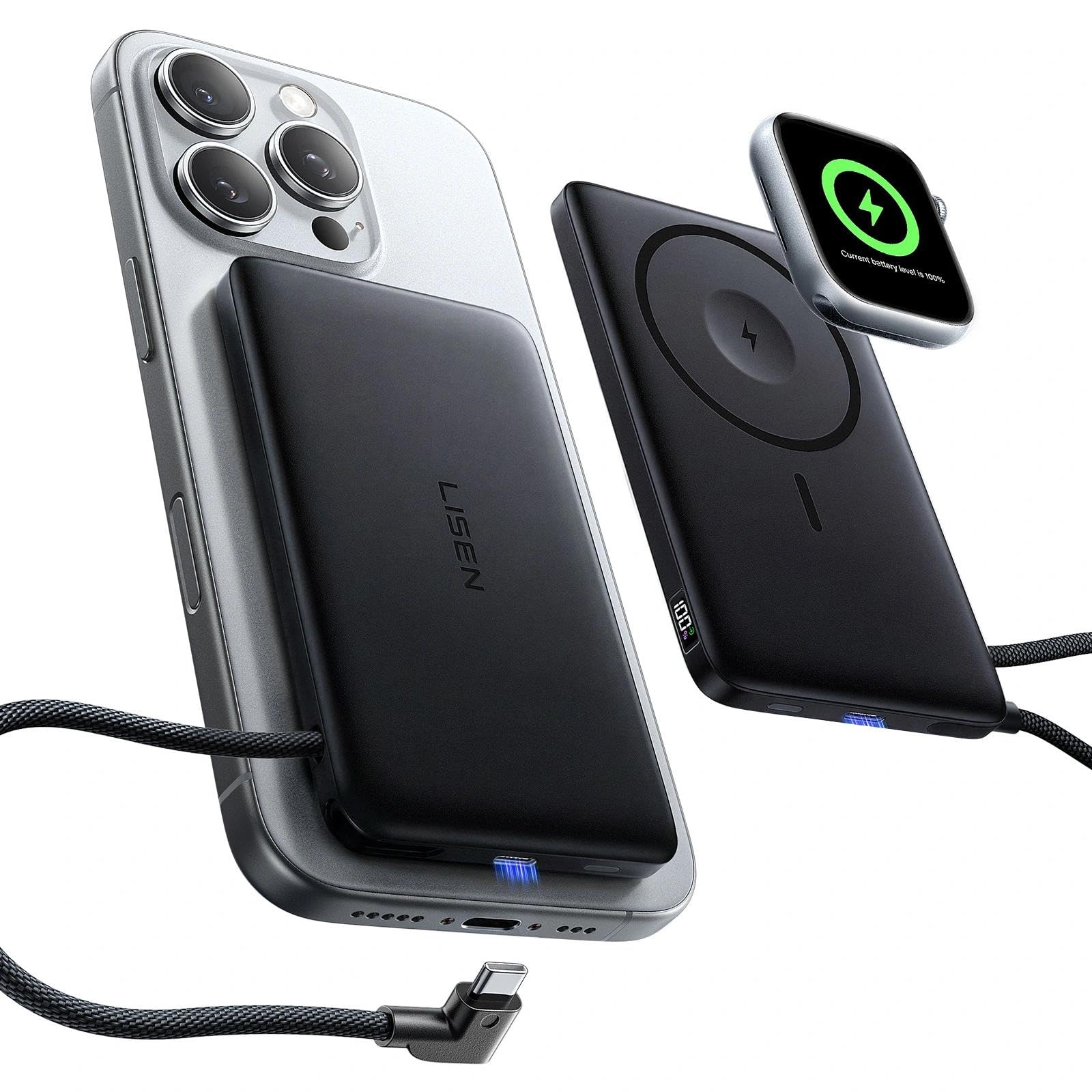
- The power bank supports MagSafe and Apple Watch charging.
- A built-in USB-C cable can charge compatible USB-C devices.
- The digital display shows remaining power and charging status.
Best Gift For: A creator using compatible Apple devices who wants portable charging for everyday or travel use.
SABRENT USB-C & USB-A SD Card Reader

- USB-C and USB-A connectors support transfers across different ports.
- Dual slots read SD and Micro SD card formats.
- The plug-and-play reader requires no drivers or software.
Best Gift For: A creator moving camera footage or photos to a compatible computer or device.
SMALLRIG P96 Pro Mini LED Video Light
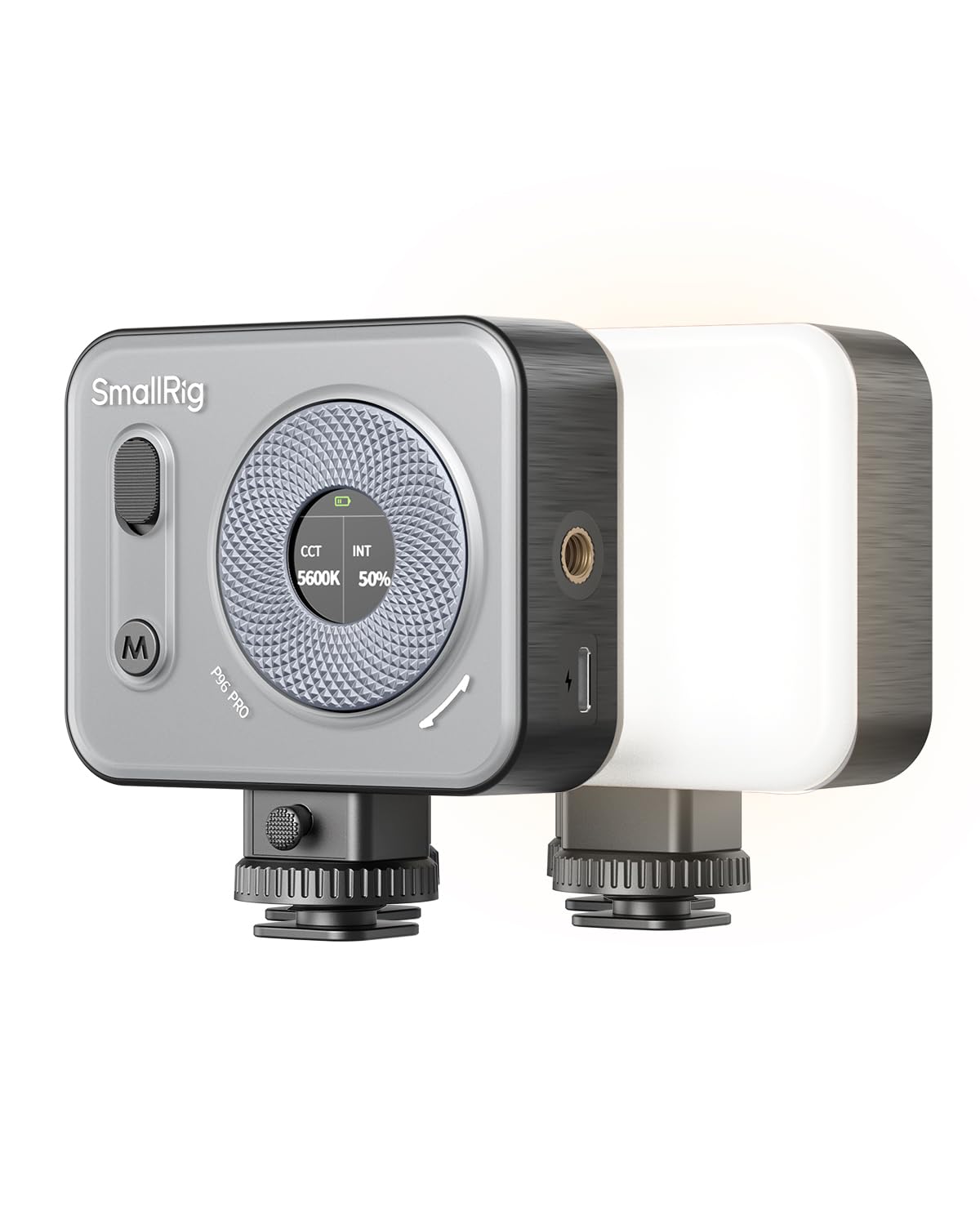
- Cool, warm, and special-effects modes support varied lighting looks.
- The light supports handheld, top-mount, or desktop tripod setups.
- USB-C charging powers the built-in battery.
Best Gift For: A creator who wants portable lighting for face shots, tabletop scenes, or vlogs.
SmallRig 11.4”/29cm Mini Parabolic Softbox
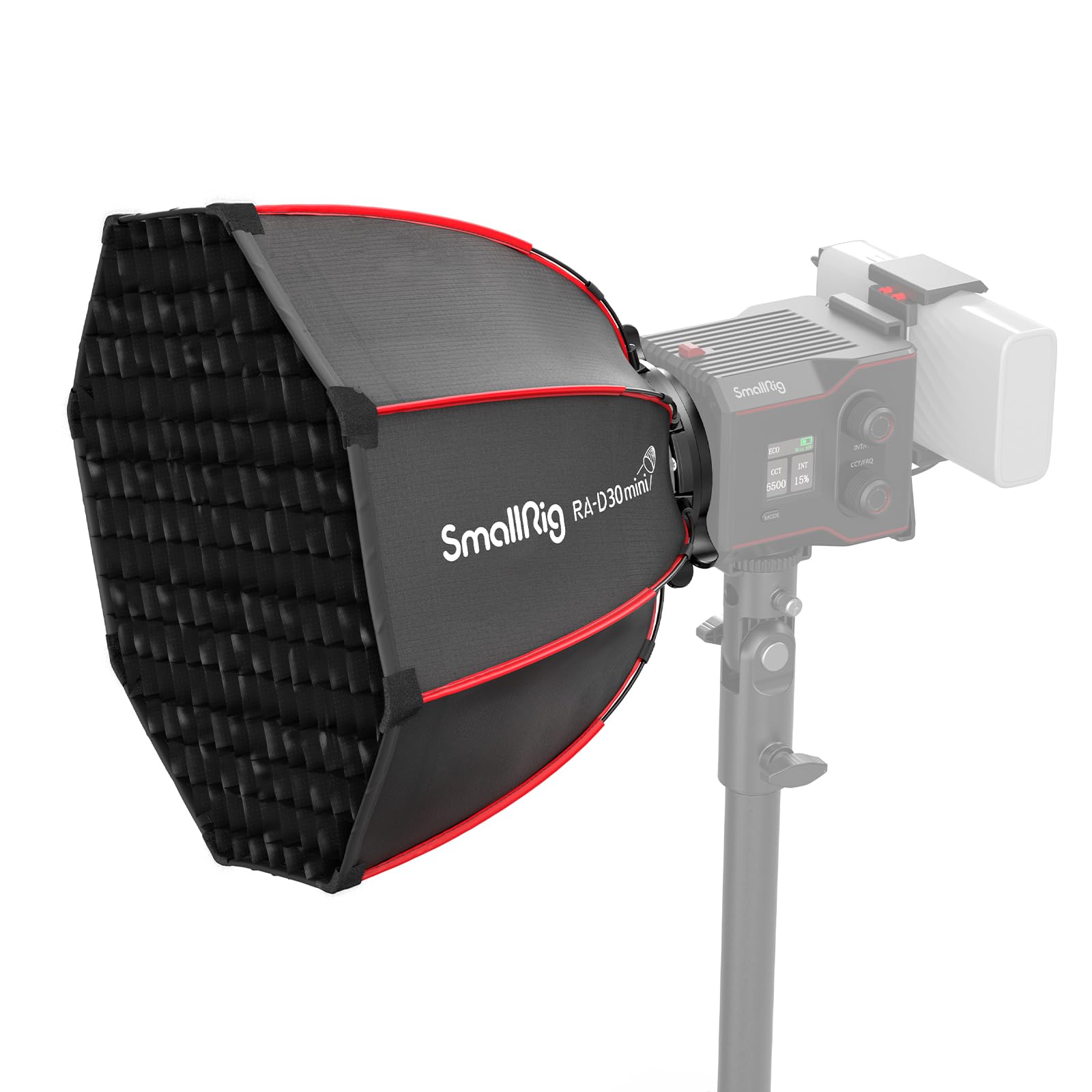
- It is compatible with SmallRig RC 60B/60C and RC 100B/100C COB lights.
- The quick-release design opens and folds with a click.
- The package includes a diffuser cloth, honeycomb grid, and carrying bag.
Best Gift For: A creator who already owns a compatible SmallRig COB light and wants a portable softbox.
JLab Go Work Wireless Headset

- Bluetooth multipoint connects to two devices simultaneously.
- The headset offers 45+ hours of playtime on one charge.
- A rotating boom microphone can move out of the way for listening.
Best Gift For: A creator who switches between computer work, calls, and listening on mobile.
Choosing gifts for YouTubers under 50 by filming style
Start with the kind of videos the recipient actually makes. Someone filming seated tutorials may appreciate a desk microphone or a compact light, while a creator who records on a phone may get more use from a clip-on mic, tripod, or portable power.
The best fit is often the item that removes a recurring friction point.
Think about where recording happens. A shared room may call for a backdrop that can be put away, while a dedicated desk can accommodate an adjustable arm.
For footage-heavy work, a card reader can make file transfers easier to fit into a routine. These gifts for YouTubers under 50 work best when they support an existing workflow rather than ask the recipient to change it.
Before buying, check what they already own. A softbox depends on a compatible light, and phone accessories depend on device fit and connector type.
For microphones and headsets, confirm the recording device and intended use. A thoughtful present feels more useful when it connects cleanly with familiar gear.
Match the gift to the setup and budget
A small budget can still cover a practical tool: a card reader, portable light, or compact label printer may solve a specific annoyance without becoming a major setup decision. These are especially suitable when you know the recipient’s workflow but do not want to guess at a large piece of equipment.
For a more substantial present, consider whether the creator would use a microphone, tracking tripod, or charging accessory regularly. Cost alone does not determine usefulness: an accessory with a compatibility requirement may be less valuable than a simpler item that works with gear they already have.
Check current prices, device compatibility, dimensions, and what is included before you order.
If you are uncertain, choose something that complements rather than duplicates their main equipment. A portable accessory may travel between home and an event, while a backdrop or desk setup item suits someone with a regular filming space.
Keep the recipient’s available storage and filming habits in mind.
Add a personal touch to creator gear
Personalization can come from how you present the gift. Pair a practical accessory with a handwritten note naming the project or filming routine you had in mind, such as a new interview series or a more organized editing desk.
For gifts for YouTubers under 50, that small connection makes a useful tool feel chosen for a person, not just a channel.
You can also make the package feel complete with a simple, relevant extra you already know they need, such as a cable organizer or a notebook for planning. Avoid adding items that depend on unknown device types.
A short note with the intended use is helpful when an accessory has a specific connection or setup requirement.
For a group gift, ask a friend or collaborator which part of the creator’s process is currently inconvenient. They may mention lighting, file handling, or recording away from the desk.
That detail helps you choose an accessory that fits, and it gives you a natural way to explain the thought behind the present.
Presentation that suits a creator’s routine
Wrap a small accessory so it is easy to identify and store; a labeled pouch or reusable box can keep pieces together after unwrapping. For a larger setup item, include a brief card suggesting where it might fit in the recipient’s workflow, while leaving the actual setup and creative choices to them.
When a gift has compatibility considerations, make those easy to review before opening if possible. A discreet note with the device model or light they should check can save confusion.
Keep the tone warm and practical, and avoid implying that a new accessory will automatically transform their videos.
For a creator who works with a team, coordinate with the person who handles filming or editing so the gift does not duplicate a planned purchase. For an individual creator, a small bundle of related items can be thoughtful if each piece is genuinely useful and the components work with their existing setup.
Last-minute gifts for YouTubers under 50
For a last-minute choice, favor familiar gear and straightforward use. A compact accessory or general workspace helper is easier to select than equipment that requires a precise fit, but still verify the device or port before purchasing.
Check the current delivery estimate at checkout rather than relying on assumptions about arrival dates.
If timing is tight, consider a printable note explaining the gift idea and give the physical item later. This works well when you need extra time to confirm compatibility or find the right version.
You can make the note specific by mentioning the type of task it supports, such as transferring footage or recording a voiceover.
Before placing an order, review what is included, dimensions, compatibility, and the current delivery estimate. A quick check can prevent a rushed mismatch and helps you give the recipient a clear, useful reason for the choice.
Keep the message about their creative routine, not pressure to post more often.